Product card
The core commerce unit on a listing page. Image, title, price with compare-at, colour swatches, async add-to-cart, wishlist toggle.
Full card
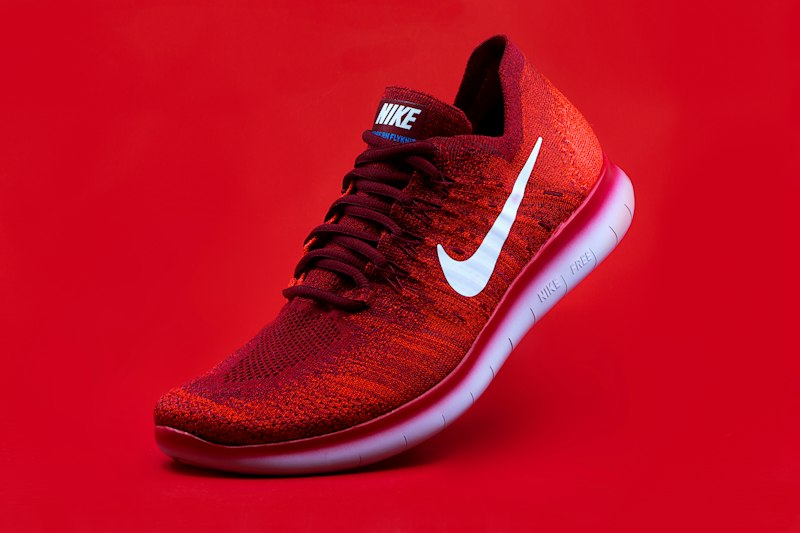
Bestseller badge, compare-at pricing, three colour swatches (one disabled), wishlist toggle, async add-to-cart.
 Bestseller
Reasoning
Price and compare-at share a baseline, not a box.
Wrapping the current price and the strikethrough in a pill always looks like a promotion module and steals focus from the product title. Two spans on the same baseline, with the compare-at one step down in size and muted colour, reads as “was X, now Y” the way a price tag does. The strikethrough does the work.
Variant selection sits on the card, not behind a trigger.
On listing pages the user's first job is scanning. If colour matters, hiding swatches behind a "choose options" button punishes the scan. If colour doesn't matter, showing three swatches costs them nothing. I hide variants only when there are more than six, or when the variant affects price.
Wishlist sits on the image, not next to the title.
The image is the largest hit area on the card, so "save for later" is in range of where the thumb already is on mobile. Putting the heart in the text block adds a second visual axis that fights price for the eye.
Add-to-cart has a loading state, not a toast.
When the button stays responsive and a toast appears on success, users click twice. The disabled-with-spinner pattern blocks the re-click while the request is in flight. A toast can still fire on success.